How to Redeem Explore the World Codes
A practical walkthrough for when Tartan Studios drops a working promo code.
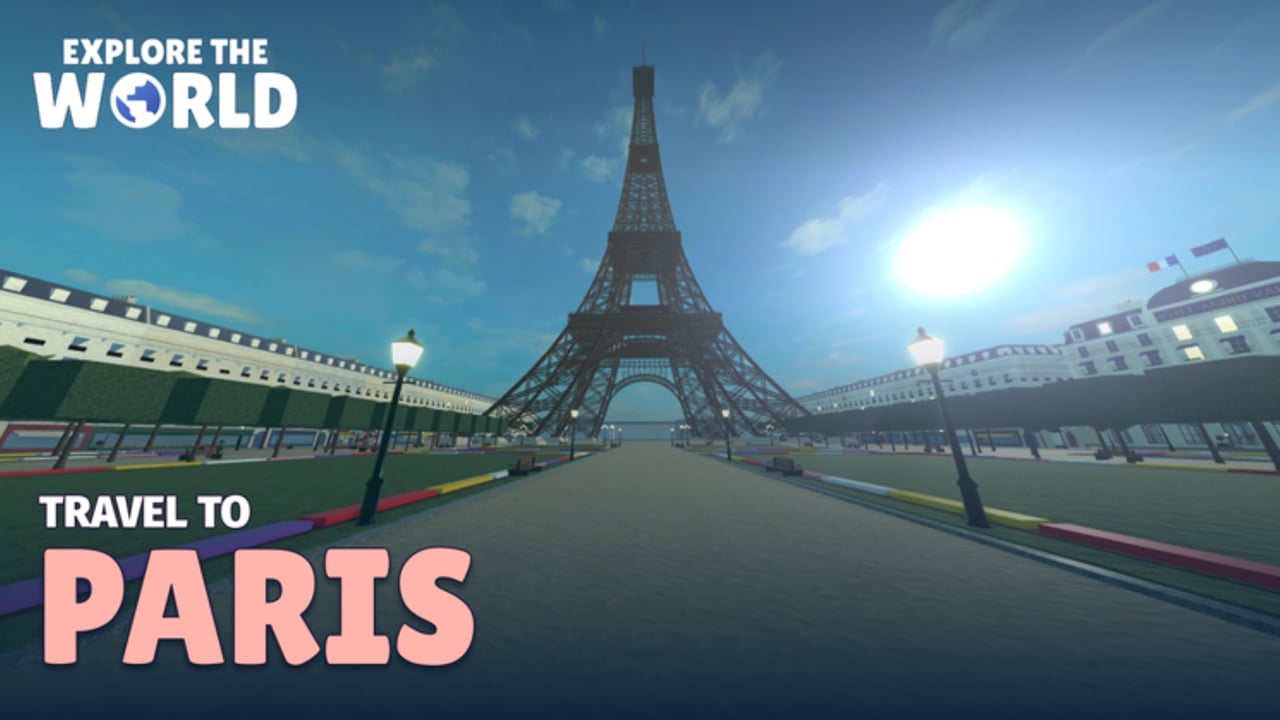
Redeeming promo codes in Explore the World is straightforward once you know where the UI lives and what usually goes wrong. This guide walks through the full process for the Roblox experience by Tartan Studios—from joining Saltmere to confirming a reward—so you are ready the moment a verified code appears on the Codes Hub.
There are no confirmed active codes on this wiki at the time of writing. Everything below is the redemption workflow you should use when an official string is published. Do not invent codes, and do not paste random strings from strangers who ask for your password.
Before you redeem
- Play the official place — Open Explore the World on Roblox and join from a trusted device. Avoid third-party launchers.
- Sign in to the correct account — Codes are almost always bound per Roblox account. Redeem on the profile that should keep the reward.
- Update Roblox — On mobile and console, outdated clients sometimes hide new menu buttons after a game patch.
- Have the exact string ready — Copy from a trusted source (this wiki’s active list, Tartan Studios group, or the game description). Watch for capital letters, numbers that look like letters, and trailing spaces.
- Know the context — Explore the World is an airport passenger roleplay: you arrive at Saltmere / New Saltmere, check in, clear security, board, fly, then explore Paris or London. The Codes button may sit in the same menu cluster as settings, inventory, or passport tools.
Step-by-step redemption
1. Arrive at Saltmere and load in
Join the experience and wait until the hub airport finishes loading. Press Play if prompted so you fully enter New Saltmere (this also ties into the Welcome to Saltmere badge path covered in getting started). You usually do not need to be mid-flight to redeem; most Roblox titles accept codes from the hub.
2. Open the in-game menu
Look for a menu, hamburger, gear, or tablet-style UI button. On PC this is often near the top of the screen or tied to a hotkey the game documents in its controls. On mobile, tap the on-screen menu icon. Console players should open the experience menu with the standard Roblox button mapping for that platform.
3. Find Codes, Rewards, or Settings
Scan labels for Codes, Redeem, Promo, Rewards, or a text field inside Settings. Tartan Studios may rename the entry after updates, so check both the main menu and any nested panels. If you just returned from a patch, rejoin once—new UI sometimes appears only on a fresh session.
4. Paste the code carefully
Tap or click the input box. Paste the string (Ctrl+V / Cmd+V on desktop; long-press paste on mobile). Avoid typing from memory if the code mixes O/0 or l/1. Do not add spaces before or after unless the official post includes them (rare).
5. Confirm and watch for feedback
Submit with the Redeem / Claim / OK button. Successful redemptions usually show a toast, popup, or inventory update. If the UI says the code is invalid, expired, or already used, stop retrying the same string dozens of times—that will not help and may look like spam to anti-abuse systems.
6. Verify the reward landed
Check inventory, currency counters, cosmetics, or passport-related panels depending on what the code promised. If the reward is a cabin or lounge perk, inspect First Class / lounge access on your next boarding. Still missing? Leave the server, rejoin Saltmere, and check again before assuming failure.
Platform notes (PC, mobile, console)
Explore the World runs across Roblox platforms. Redemption is account-based, so a code claimed on phone should appear when you later play on PC with the same login. Mobile keyboards sometimes auto-correct code strings—disable auto-correct while pasting. Console on-screen keyboards are slower; paste from a linked device if your ecosystem allows it, or type slowly and double-check.
Party play and Private Jet sessions do not usually block redemption, but a busy boarding cinematic or cutscene can hide menus. Wait until you are free to move at Saltmere or settled in a seat before opening Codes.
Troubleshooting invalid or silent failures
Invalid code — Wrong spelling, wrong game, or expired drop. Confirm the string against the Codes Hub active list. Codes from other Roblox experiences will not work here.
Already redeemed — Most promos are one claim per account. Alts need their own redemption if the rules allow it; do not violate Roblox Terms of Use.
No UI response — Rejoin the experience, toggle the menu closed/open, or switch servers. After large updates, wait a few minutes for Roblox to finish replicating place changes.
Reward missing visually — Some cosmetics only show in certain seats, lounges, or city photo modes. Check passport / postcard panels if the drop was collection-related.
Asked to download an executor — That is not how official codes work. Close the page. Read the script safety guide if you were pulled into sketchy “free Robux code” funnels.
When codes typically drop
Developers often release codes around launch anniversaries, visit milestones, new destinations, or cabin feature launches. Explore the World already ships Paris and London with passport stamps, seven postcards, and badges such as Two-City Traveller and Jet Set. Future cities or quality-of-life patches are natural code moments. Follow Tartan Studios and skim updates so you redeem while the window is open.
Good habits while you wait
Use downtime at security, the arcade, or the massage chair to bookmark this page and the Codes Hub. Practice the real loop: check-in for the Boarding Pass badge, take off for Wheels Up, land for city stamps, and aim for Postcard Collector. Compare cabin classes before spending Robux on First Class or a Private Jet. Codes accelerate rewards; they do not replace learning how not to miss your flight.
Related pages
- Codes Hub — active and expired listings (none confirmed active yet)
- Getting Started — Saltmere arrival through first takeoff
- Updates — patch timing that often coincides with promos
- Links Hub — official game and studio links
- Scripts Safety Guide — stay away from fake “code generators”
Frequently Asked Questions
Quick answers to the most common questions.
Do I need to be in Paris or London to redeem a code?
Usually no. Most Roblox experiences accept codes from the hub. Redeem at Saltmere unless an official post says otherwise.
Are codes case-sensitive?
Treat them as case-sensitive. Paste exactly as published, including capitals and numbers.
Can my whole Private Jet party share one code?
Typically each Roblox account must redeem separately. The host’s claim does not automatically grant guests the same promo.
Why does the Codes button not appear?
Rejoin after an update, check nested Settings panels, and confirm you are on the official Explore the World place—not a copy.
Is there a code for free First Class?
No confirmed code grants First Class right now. First Class remains a Robux upgrade unless Tartan Studios later publishes a promo.
Where do I find working codes for this game?
Start at the Codes Hub on this wiki, then verify against Tartan Studios or the official Roblox game page. Ignore unverified social lists.