Getting Started in Explore the World
From New Saltmere to your first takeoff, landing, and city stamp.
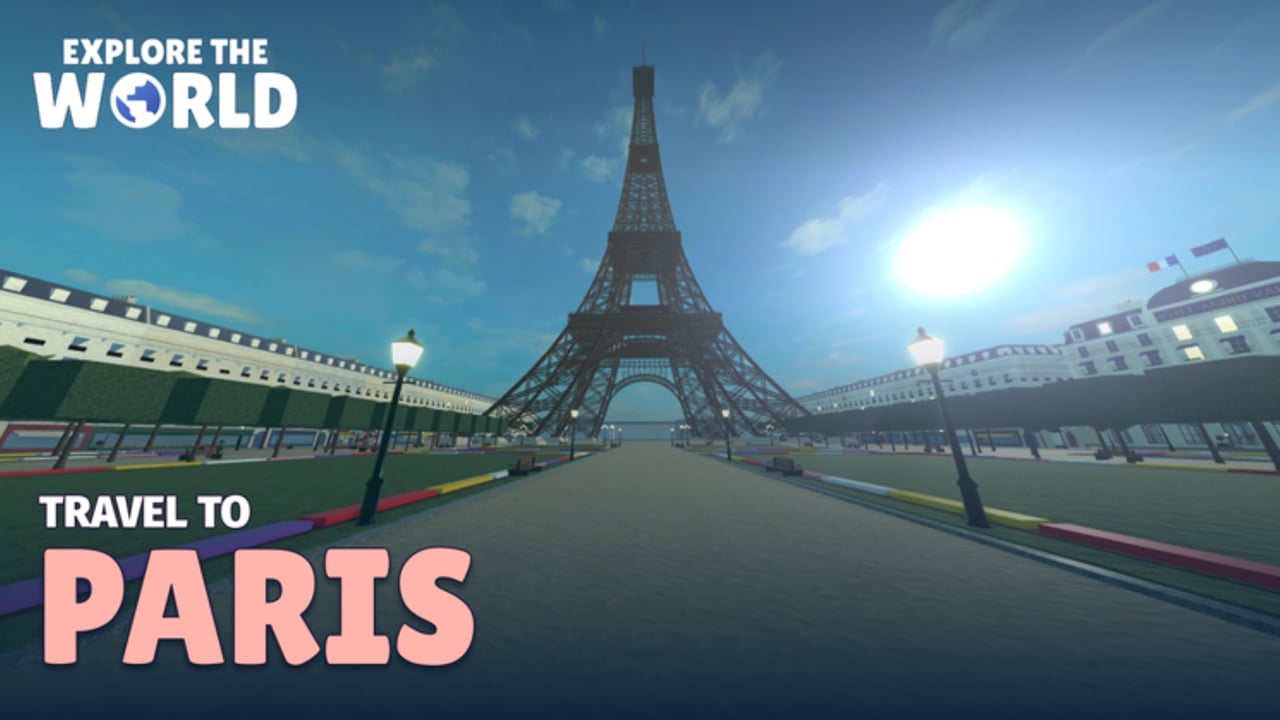
Explore the World is a Roblox passenger adventure from Tartan Studios. You roleplay an airport traveler: arrive at Saltmere / New Saltmere, check in, clear security, board a flight, then explore Paris or London. This getting started guide walks through a clean first session so you earn early badges without missing the plane by accident.
What you need before you play
Join from the official Roblox experience page and make sure friends are on the same server if you want a shared flight later. The place supports PC, mobile, and console with a max server size of 50 players. Online multiplayer is the default co-op style - parties and friends can share flights, and Private Jet seats up to five total (host plus four guests). Skim Controls if you are on touch or gamepad so menus feel natural before you queue at a kiosk.
Step 1 - Arrive at Saltmere and press Play
Your hub airport is Saltmere (also called New Saltmere in badge text). When you arrive and press Play, you unlock Welcome to Saltmere. Treat that as the onboarding checkpoint: you are now in the passenger loop. Look around the terminal for check-in desks, self-service kiosks, security, snack spots, massage chairs, and arcade machines. The terminal is designed for killing time before boarding, so explore briefly, then move to check-in before the clock works against you.
Step 2 - Check in for a Boarding Pass
Walk to a kiosk or desk and complete check-in. Success awards the Boarding Pass badge. Full detail lives in How to Check In, including what to do if you stall at security or hear boarding while you are still shopping for snacks. Carry-on rules matter at security: bring what the flow expects, pass screening, then use free time wisely instead of wandering so far that you miss the gate.
Step 3 - Security, lounge time, and boarding
After check-in, clear security with your carry-on. Optional terminal activities - snacks, massage chair, arcade - are fine if you watch for boarding calls. When it is time, board the aircraft, watch the safety demonstration, and prepare for takeoff. Leaving the ground unlocks Wheels Up. If you miss the flight and get rebooked, you can still earn Running Late; that is a valid badge path, but most beginners prefer a clean first takeoff.
Step 4 - In-flight and landing
In the air you can order meals, play mini-games, and watch the live flight map. Use the map to learn the route toward Paris or London. When you land, take the bus into the city. Your first city arrival grants a passport stamp: Welcome to Paris or Welcome to London, depending on the destination. City-specific landmark tips are in the Paris Guide and London Guide.
Step 5 - Explore, photograph, and stamp your passport
On the ground, visit landmarks, snap photos for postcards, and collect passport stamps. Saving all seven postcards unlocks Postcard Collector. Stamps in both cities unlock Two-City Traveller. Distance and flight-count badges - First Thousand (1,000 km), Frequent Flyer (10 landings), and the ultra-rare Around the World (40,075 km) - come from repeated flights. Track everything with Passport & Badges and the badges list.
Cabins for your next sessions
Economy is the default seat. First Class adds lounge access and a lie-flat suite as a Robux upgrade. Private Jet is the party option with a host and up to four friends, plus the rare Jet Set badge. Compare options in First Class & Private Jet and the cabin classes tier list before you spend.
First-hour checklist
- Press Play at Saltmere -> Welcome to Saltmere.
- Check in at kiosk or desk -> Boarding Pass.
- Clear security, board, take off -> Wheels Up.
- Land and bus into Paris or London -> first passport stamp.
- Photograph landmarks and save postcards toward Postcard Collector.
- Plan a second city for Two-City Traveller.
- Review codes and how to redeem in case Tartan Studios drops a promo.
- Bookmark the flight checklist for repeat runs.
Common beginner mistakes
- Ignoring boarding timing after arcade or snack stops - leads to Running Late unless that is your goal.
- Skipping check-in detail - read the dedicated check-in guide once so kiosk and desk flows feel automatic.
- Flying only one city - you need both stamps for Two-City Traveller.
- Buying Private Jet too early - learn Economy and First Class value first unless you specifically want Jet Set with friends.
- Missing official news - follow Tartan Studios and the game page; this title launched 23 October 2026 and still adds clarity through patches. See the Updates Hub for changes.
Where to go next
Return to the Guides Hub anytime, deepen airport mastery in How to Check In, then pick a city guide. When progression goals matter more than sightseeing, open Passport & Badges and the passport tracker. Keep scripts cautious via the Scripts Hub - no verified automation is required to enjoy the passenger loop.
Play at a comfortable pace: Explore the World rewards attention to the airport ritual as much as the landmarks. One clean Saltmere-to-city run teaches more than rushing three missed flights, and the badges above give you a natural roadmap for the first week of travel.
Frequently Asked Questions
Quick answers to the most common questions.
What is the first badge in Explore the World?
Welcome to Saltmere unlocks when you arrive at New Saltmere and press Play. Check-in then awards Boarding Pass.
How do I get Wheels Up?
Complete check-in, pass security, board on time, watch the safety demo, and take off from Saltmere.
Should new players buy First Class or Private Jet immediately?
Not required. Learn Economy first. Upgrade when you want lounge access, lie-flat comfort, or a five-player Private Jet party.
Can I play Explore the World with friends?
Yes. Join the same server for shared flights. Private Jet seats a host plus up to four friends for the Jet Set badge path.
Which city should I fly to first?
Either Paris or London works. Pick one for your first stamp, then fly the other city for Two-City Traveller.